Room to think.
Less to organize.

Write notes, essays, and plans. Mentis names your writing, finds it by meaning, and helps you bring it together. No folder tree to maintain.

macOS 14+

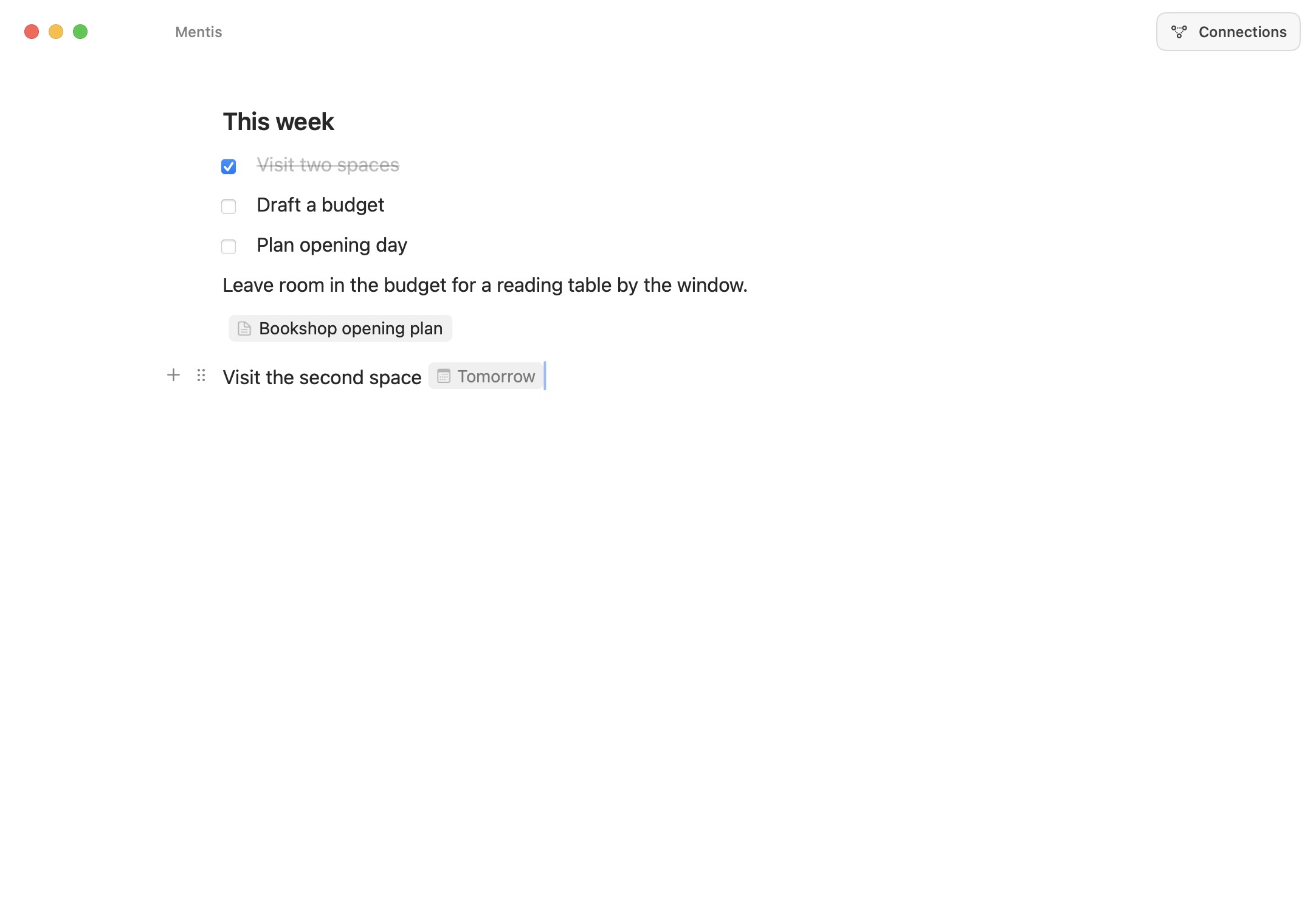
This week Visit two spacesDraft a budgetPlan opening day
Bookshop opening plan A familiar place asks less of us. We know where the light falls, which chair is comfortable, and when the room goes quiet.
bookshop atmosphere Rain at the window.
An unhurried morning.

Write in focus.
Think across your work.

An essay, a plan, a daily note. Bring them together when you need the bigger picture.

Your writing,
organized as you go.

Start a note or a whole essay. Mentis saves it, gives it a name when there’s enough context, and finds related writing.

No folder tree to maintain. No title to think up first. Your original words stay yours.

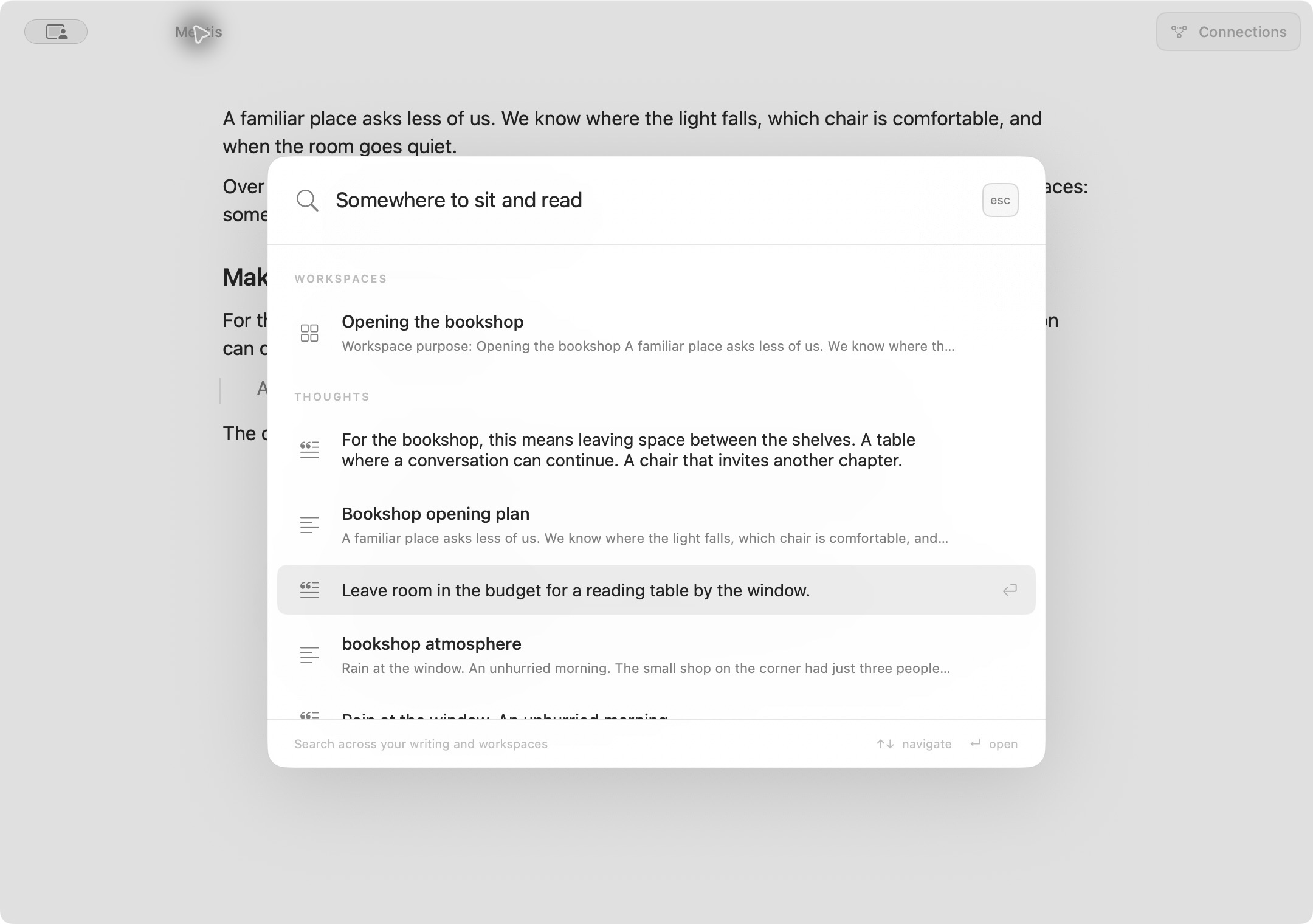
“A familiar place asks less of us. We know where the light falls, which chair is comfortable, and when the room goes quiet.”
Mentis gives it a nameBookshop opening plan
A topic becomes
a workspace.

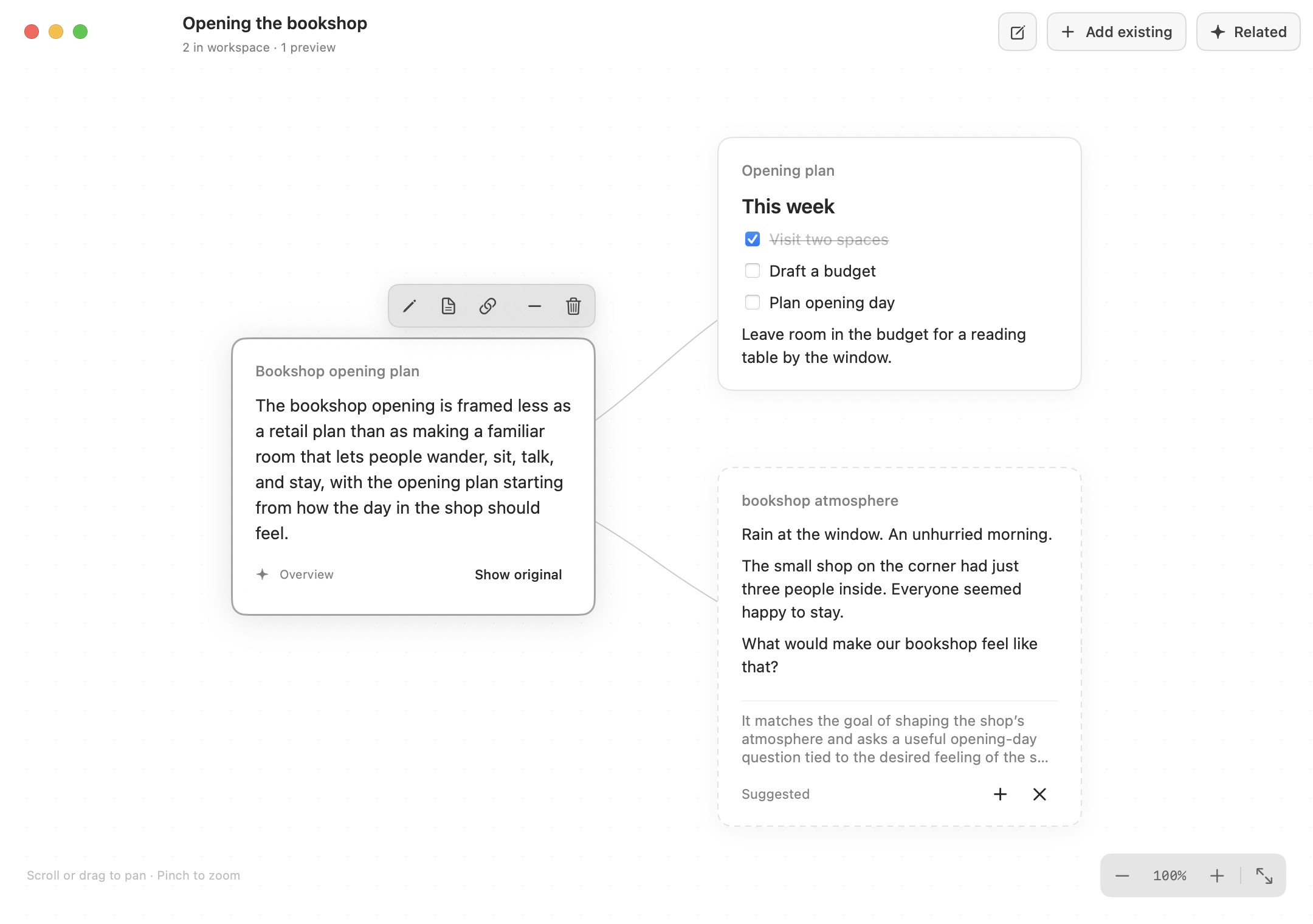
Bring a project into view. Mentis suggests related writing; you choose what belongs. Preview and arrange thoughts on the canvas, then open one to read or edit.

A bookshop workspace with an AI-generated overview of an essay, an opening checklist, and a suggested daily note.

Relevant writing finds you

A note about the shop’s atmosphere belongs beside the opening plan. Add the suggestion, or dismiss it.

The idea at a glance

Read a generated overview of a longer thought. Open the original when you want to go deeper.

One thought, many contexts

The same writing can appear in several workspaces. Changes made in the thought stay up to date wherever you use it.

A place to do
the actual work.

Draft an essay. Make a plan. Keep the references and next steps right where you’re writing.

The native Mentis editor with a link to Bookshop opening plan and a Tomorrow date beside the next visit.

Shape it as you write

Type / for headings, checklists, quotes, and tables. Give a quick note or a long draft the structure it needs.

Keep your references close

Type @ to find and link another thought without leaving the editor.

Remember the next step

Add a date with @, and turn on a reminder when you need a nudge.

Bring your writing with you

Copy and paste Markdown, or import a Notion export. Links between imported pages keep working inside Mentis.

Pick up on your other Mac

Your writing saves locally, even offline. Sign in with Google to sync your thoughts and workspaces across Macs.

Good to know

Will it work on my Mac?

Mentis 1.4.2 requires macOS 14 or later. One installer includes Apple silicon and Intel builds. This is an early release; installation and updating have been tested on the development Mac. Second-Mac and Intel hardware testing are still pending.

The app is not notarized by Apple, so macOS may require approval before the first launch. See installation instructions.

Future releases appear inside Mentis. Choose when to install, then restart when you’re ready or finish on the next normal quit.

What does the AI connection need?

Connect your own OpenAI API key in Settings to use automatic names, search by meaning, related-writing suggestions, and generated overviews. These features require internet access and send writing to OpenAI for processing. Provider usage is billed separately.

Writing, recent items, saved workspaces, and manual connections work without AI. Generated names and overviews don’t replace your original words.

How your data is handled
Do I need an account?

No account is needed to write locally. Sign in with Google if you want to sync writing and workspaces between Macs. You can also choose a folder for automatic local backups.

More room for
your own thinking.

What you write, what belongs together, and where it leads stay yours.

AI features use your OpenAI key, billed separately. How it works